Now that you have already integrated your TSheets account with your Payroll account here's how to import your time records into your payrun.
**Hint, if you still need to integrate please go here
Go to Run Payroll on your Payroll Account

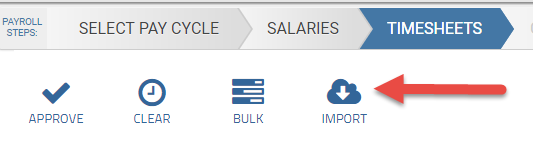
On the Timesheets page click IMPORT
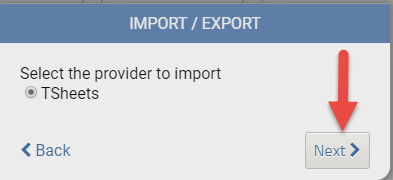
Select TSheets and click Next>
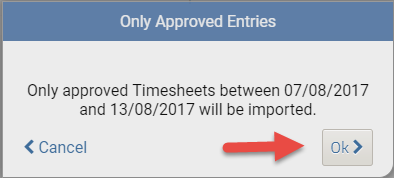
Only Timesheets approved in TSheets will be imported, click OK>
All imported timesheets will be verified at the top and after reviewing click CONTINUE to approve them for pay. Any ones that fail to import will give a reason for the failure.

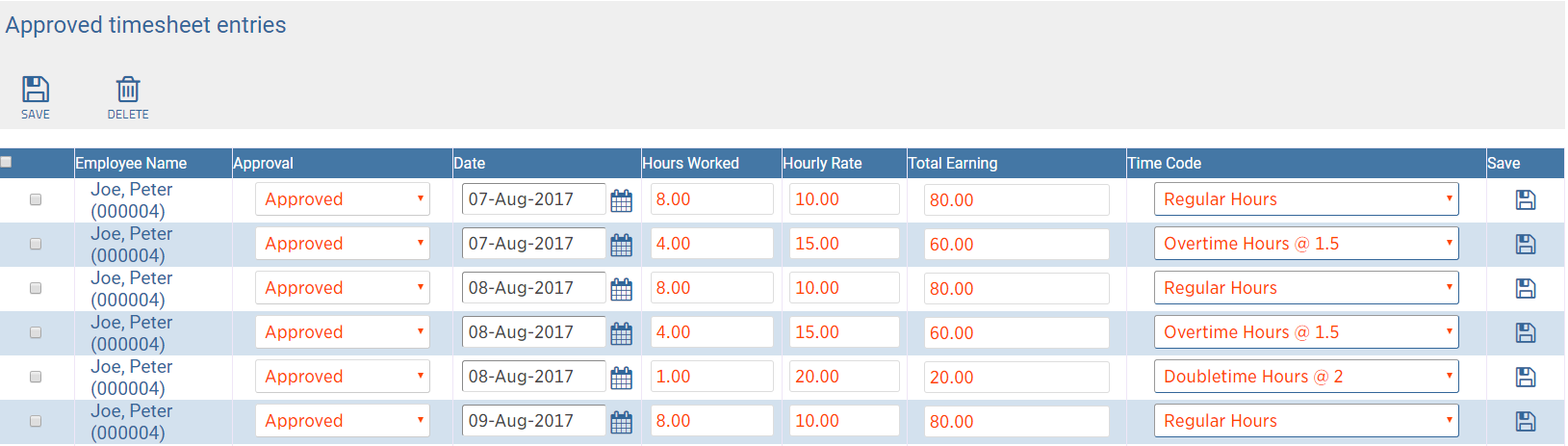
Your Approved timesheets are now listed.
Finish your payrun as normal. It's that simple!
Here's a link to a video too.
Comments
0 comments
Please sign in to leave a comment.