If you process a payroll for an amount that exceeds the maximum limit you've set for your pre-authorized debit agreement, you will not be able to finalize the payrun. You can correct this two ways:
Adjust your payrun
Adjust your payrun, remove items / decrease the total amount being paid. You can "split" your payrun into multiple payruns if you prefer by performing another payrun for the same time period.
Modify your maximum limit
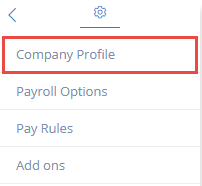
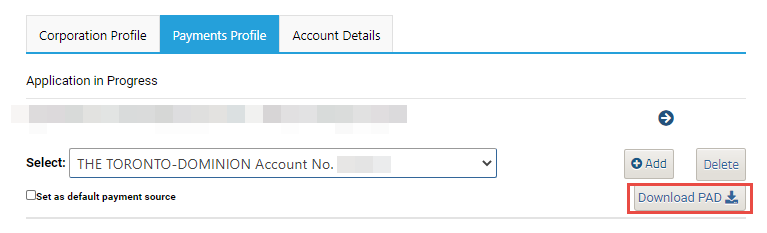
To raise the maximum limit on your account, please modify the "max-limit" amount specified on your pre-authorized debit agreement, and send the document back to us by using the ? (Help Button) and clicking contact us. If you do not have a copy of your signed pre-authorized debit agreement, you can download it by going to SETTINGS>COMPANY PROFILE>PAYMENTS PROFILE, select the bank account you wish to modify and click on the Download PAD button.

Comments
0 comments
Article is closed for comments.